Thinking of Moving From Salesforce to Odoo? The Checklist I Use Before Anyone Signs Anything
Considering a move from Salesforce to Odoo? A practical checklist: what to audit, what moves easily, what doesn't, and when staying or running both is smarter.
Salesforce to Odoo switching checklist
Every few weeks someone sends me a message that starts, "Our Salesforce renewal just came in and it's much higher. Can we just move to Odoo?"
I understand the instinct. A bigger invoice makes every alternative look attractive. But I've seen migrations started for the wrong reason, and the pattern is always the same: the team compares price lists, signs up, and discovers six months later that the real costs were never on either list.
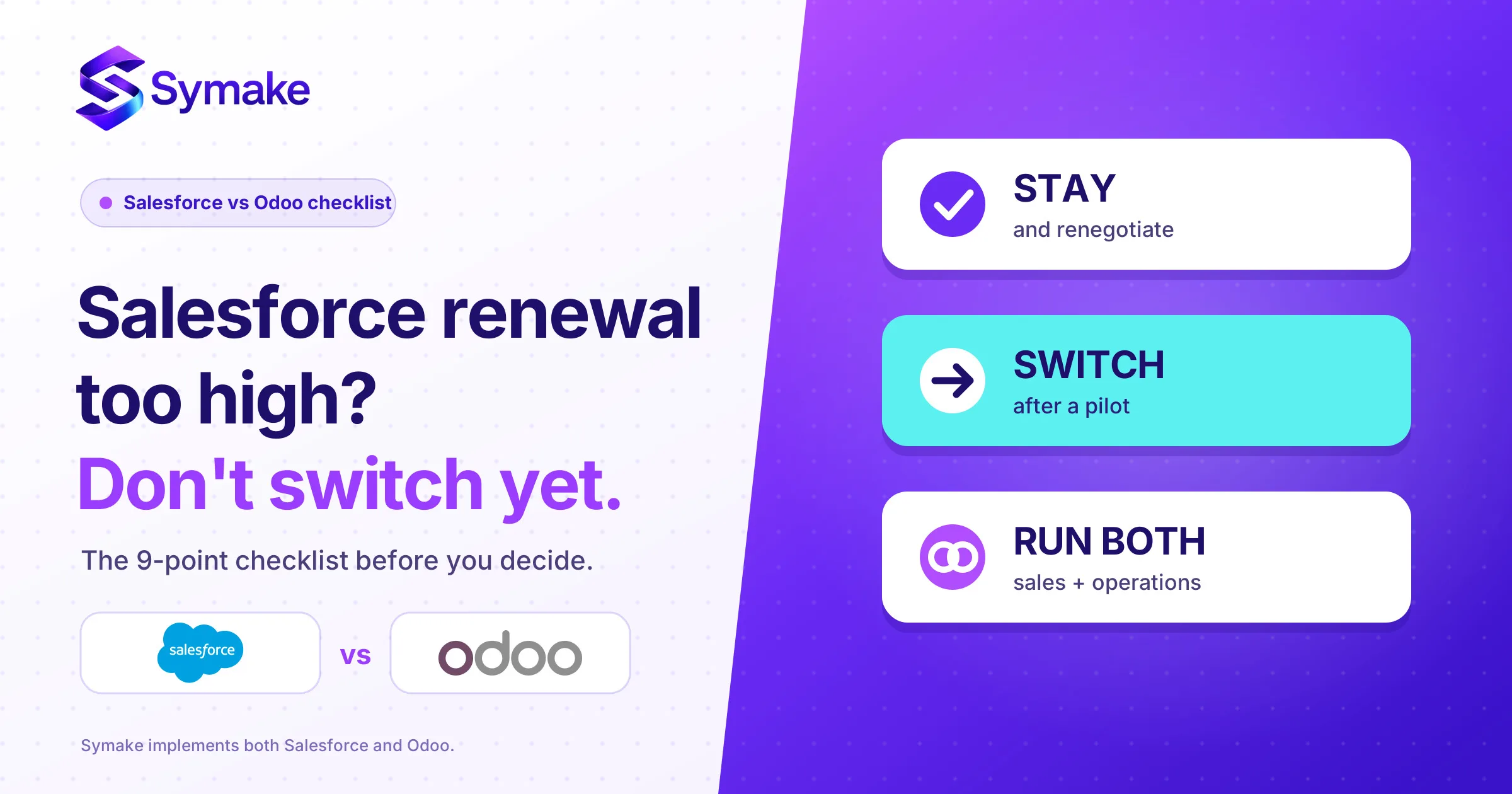
So I'm not going to tell you to switch. I'm going to give you the checklist I use, in the order I use it, so you can reach your own answer. Sometimes the answer is "switch". More often, in my experience, it's "stay and renegotiate" or "do both for a while". All three are fine. Picking one without doing the homework isn't.
First, be clear about what actually changed
Salesforce moved to new editions on 3 September: Core replaced Enterprise, Advanced replaced Unlimited, and Max replaced Agentforce 1. They bundle AI, Slack and a pool of usage credits, and their list prices are higher than the old editions'. I went through the numbers in last week's post on the new Salesforce editions.
Odoo moved too, though the evidence is thinner. Odoo 20 was unveiled on 24 September. A third-party Odoo partner, OEC.sh, scraped Odoo's pricing configurator the same day and reports that the Custom plan went up by roughly a fifth in India and some other regions (₹890 to ₹1,080 per user per month in India, by their scrape), while Standard stayed the same. It also reports a new "Light User" seat for customers on Odoo 20. I couldn't find Odoo's own announcement to confirm those figures, so please treat them as a pointer, not a price list, and ask your Odoo partner or Odoo for a current quote.
I mention this because the loudest argument for switching is "Odoo is cheaper". That may well be true for you. But if you compare a Salesforce quote you've just received with an Odoo number you remember from last year, you're comparing different years.
Step 1: Work out why you want to leave
Before touching a spreadsheet, write down the real reason in one sentence. I hear four versions.
"It's too expensive." Then we're having a pricing conversation, and the first move is a renegotiation, not a migration.
"We only use a tenth of it." Then the question is whether a smaller edition, fewer licences or a lighter tool fits. That's a right-sizing question, and it may or may not point to Odoo.
"We want CRM and ERP in one system." This is the strongest reason to look at Odoo. Salesforce is a CRM platform that integrates with ERPs. Odoo is an ERP suite with a CRM inside it. If your pain is double-entry between sales, inventory and accounting, that's exactly what Odoo is built to remove.
"Our Salesforce setup is a mess and nobody trusts the data." Careful. That's a data and process problem, and it will follow you to any new system. I've watched teams migrate the mess and then blame the new tool.
If your sentence is the fourth one, fix the data first. We wrote about why in the true cost of not using a CRM or ERP properly.
Step 2: Audit what you really use
Ask your Salesforce admin for a list of what's switched on and, more importantly, what people actually touch. Pull login activity for the last 90 days, count the custom objects and fields that have recent data, and list your active flows, automations and integrations.
What you usually find is that a long tail of custom fields and half-abandoned automations are bloating the org, and that maybe a third of your licensed users log in rarely. That finding is worth money on its own, because it supports a renewal negotiation even if you never switch.
For each thing you do use, I put it in one of three buckets: standard CRM (leads, accounts, contacts, opportunities, quotes), custom logic (approvals, scoring, territory rules, custom objects) and integrations (email, telephony, marketing, billing, your website). The first bucket moves easily. The second needs real design work. The third is where most surprises hide.
Step 3: Be honest about what Odoo does differently
Odoo's CRM covers the essentials well: pipeline, leads, activities, quotes that flow into sales orders, invoices and stock. For a business that sells products or services and wants one system for the whole flow, that's compelling.
Where I'd slow down is anything Salesforce does at depth. Complex territory and forecasting hierarchies, large partner and channel programmes, heavy reporting across years of history, and the surrounding AI and app ecosystem are all areas where Salesforce is a more mature platform. Odoo can often be configured or extended to cover them, but "can be extended" means development cost and ongoing ownership, which is the thing the cheap price hides.
If you want the side-by-side by business size, we covered it in Salesforce vs Odoo: which stack fits your size and budget. I won't repeat it here.
Step 4: Understand what the data move really involves
This is the part people underestimate, so I'll be specific.
Salesforce has a built-in Data Export Service. You can run a manual export every 7 days (or every 29 days on some editions) or schedule weekly or monthly exports. Salesforce documents weekly exports for Enterprise, Performance and Unlimited and monthly-only for Professional and Developer, so check what your edition allows now that the names have changed. The output is a set of CSV files in a zip, and the download link is removed 48 hours after Salesforce emails you. Put a calendar reminder on that, because I've seen a team lose a full export to a long weekend.
Two things the export does not give you, as far as I understand it and from what I've seen in practice: your configuration (flows, Apex code, validation rules, page layouts, reports) and a ready-made mapping to Odoo's fields. The CSVs are your data. Everything that makes Salesforce behave like your Salesforce has to be rebuilt in Odoo, and that's design work, not copying.
So the real data plan is: decide what history you truly need (do you need seven years of closed-lost opportunities?), clean it before moving it, map each Salesforce object to an Odoo model, load a small sample first, and check that totals match. Attachments, notes and email history are the usual stragglers.
Step 5: Count the whole cost, not the licence
The licence line is the easy bit to compare, and it's rarely the deciding factor. Put these next to each other for both options over three years: licences, implementation and data migration, customisation and integrations you'll need, training and the productivity dip in the first couple of months, hosting (if you go beyond the standard online plan), and the cost of running two systems in parallel during the move.
Partner estimates for Odoo implementations vary widely with scope, and the ranges I've seen published are US/Canada-based, so they're a poor guide for an Indian business. I'd rather get quotes for your own scope than quote someone else's range. The same goes for Salesforce.
The number most people forget is the parallel-run period. Plan for at least a month where both systems exist.
Step 6: Consider the middle path
There's a fourth option that rarely appears in vendor pitches: keep Salesforce for sales and add Odoo for operations (inventory, purchasing, accounting, manufacturing), connected by an integration. Many businesses I speak with already live this way, with sales in one tool and operations in another, and it lets you move at your own pace.
The trade-off is that you now own an integration, and integrations need maintenance. It's usually worth it when your sales team is happy and the pain is on the operations side.
Step 7: Decide, then test cheaply
When you've done the above, you'll probably have a clear lean. Don't commit on the lean. Run a small pilot first: pick one team or one product line, load a cleaned slice of data into an Odoo trial or sandbox, and have real users work a week of real deals in it. The questions to answer are simple. Can they do their job without asking for workarounds? Do the reports your manager needs exist? Are you happy with what it will take to maintain?
If the pilot goes well, you have evidence. If it doesn't, you've spent a fortnight instead of a year.
The checklist, condensed
If you only keep one thing from this post, keep this:
- Write one sentence: why are we leaving?
- Check your Salesforce renewal terms and ask for a written legacy-versus-new quote.
- Audit real usage: logins, fields, flows, integrations.
- Sort what you use into standard, custom and integration.
- Get a current Odoo quote for your own plan, users and country.
- Plan the data: what history, how clean, who maps it.
- Add up three-year cost, including parallel running.
- Consider the "run both" option.
- Pilot with one team before you commit.
Conclusion
A higher renewal quote is a good reason to look around, but it's a poor reason to move. The businesses that come out of a switch happy are the ones that knew exactly what they used, planned their data and ran a pilot. The ones that come out unhappy compared two price lists.
At Symake we implement both Salesforce and Odoo, so we have no reason to push you either way. If you'd like us to review your renewal quote and run you through this checklist against your own setup, talk to our team. We'll tell you plainly whether we think you should stay, switch or run both.
People Also Ask (FAQs)
Can I move from Salesforce to Odoo?
Yes. Salesforce lets you export your data as CSV files, and Odoo can import them, so the data can move. The harder part is rebuilding your workflows, reports and integrations, which don't come across in an export. Treat it as a re-implementation, not a copy.
Is Odoo cheaper than Salesforce?
On list price per user, often yes, but the licence is only part of the cost. Implementation, customisation, integrations, training and a period of running both systems all count. Odoo's own prices also changed in September 2026 according to a third-party scrape, so get a current quote for your plan and country before comparing.
How do I export my data from Salesforce?
Use the Data Export Service in Setup to run a manual or scheduled export. It produces CSV files in a zip, and Salesforce removes the download 48 hours after it emails you the link. Frequency limits depend on your edition. The export covers data, not configuration such as flows or code.
Does Odoo CRM replace Salesforce completely?
For many small and mid-sized businesses, yes, especially if they also want inventory, invoicing and accounting in the same system. For businesses relying on deep forecasting, complex territory rules, large partner programmes or Salesforce's AI and app ecosystem, Odoo may need substantial extension, so test your specific needs first.
What is the biggest risk when switching CRMs?
Moving a messy dataset and messy processes into a new system. The new tool then looks like the problem when the real issue is data quality and unclear process. Clean first, migrate second.
Can I use Salesforce and Odoo together?
Yes. A common setup keeps Salesforce for sales and uses Odoo for operations and accounting, connected through an integration. It lets you change one side at a time, though you take on the cost of maintaining the integration.
How long does a Salesforce to Odoo migration take?
It depends on your data volume, number of custom processes and integrations. Small, simple setups can take weeks. Larger ones with a lot of custom logic take months. A scoped assessment is the only reliable way to estimate, and a short pilot will tell you more than any generic range.