










Retail Management Software in Makkah

Retail management software in Makkah for chains whose stores swing between quiet weeks and very busy seasons. Symake sets up staff roles, seasonal targets, approvals and central promotions, with all workshops held in Jeddah or online.

Peak-season control via Retail Management Software in Makkah
200+ Projects Delivered

What you get

  • Seasonal targets scheduled per branch
  • Temporary staff roles that expire on time
  • Promotions switched on and off centrally

Peak-season control via Retail Management Software in Makkah

Stores in Al Aziziyah, around Jabal Omar and along the King Abdulaziz Road area can see demand change sharply from one month to the next. A head office needs to raise targets, add temporary staff and switch promotions for those weeks, then scale back cleanly afterwards. Symake's retail system lets you plan each season as a set of targets, extra staff roles, extended opening hours and promotions for chosen stores, all scheduled ahead. Store managers see only what applies to their branch. Symake delivers the work from Bengaluru, holds workshops in Jeddah or online, and supports your Makkah team remotely during the Saudi working week.

Book a Free Demo
0 + Projects Delivered
0 % Client Satisfaction
0 + Years of Experience
0 + Industries Served

Head-office controls for Makkah branches

Built for chains that plan around busy seasons

Season plans

Season plans

Group targets, staffing, opening hours and promotions into one season plan, then apply it to the branches you choose in a few steps.

Temporary roles

Temporary roles

Give seasonal staff accounts with limited rights and an end date, so access closes automatically when the busy period is over.

Staffing plans

Staffing plans

Record how many people each branch needs in each role, and compare that plan with the staff actually assigned.

Extended hours

Extended hours

Change opening hours for selected stores during peak weeks, and see sales per hour so you know if the extra time paid off.

Fair targets

Fair targets

Set higher targets for busy weeks and normal ones for quiet periods, so each store manager is measured against a fair number.

Promotion control

Promotion control

Start and stop offers for chosen branches from head office, without asking each store to change prices by hand.

Request approvals

Request approvals

Requests for extra staff, local spending or price exceptions go to the right approver and leave a clear record behind.

Season comparison

Season comparison

Compare this season with the last one for each store, and see which branches grew and which need a different plan.

Channel view

Channel view

Online store sales sit next to branch sales in the same reports, so the full picture for each area is in one place.

Seasonal staffing without loose accounts
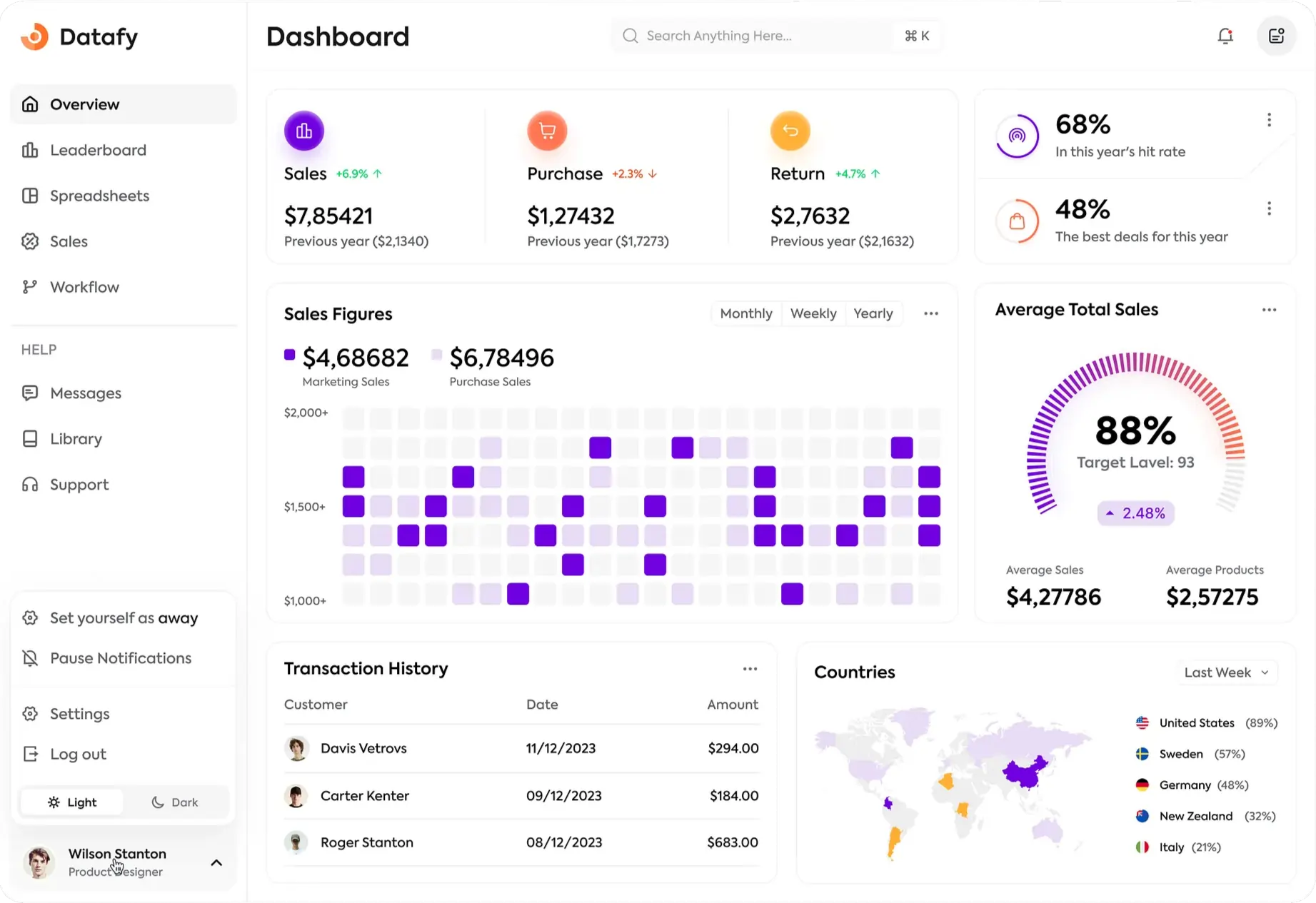
Seasonal staffing without loose accounts screenshot

Seasonal staffing without loose accounts

Busy periods often bring extra staff, and extra staff often bring user accounts that nobody closes. In Symake's retail system the head office creates temporary roles with set permissions and an end date. Store managers request the people they need, the area manager approves, and access ends automatically when the season does. You keep a record of who worked where, under which role, for every peak.

  • Temporary roles with fixed end dates
  • Staff requests approved by area managers
  • Permissions limited to what each role needs
  • Record of who worked in each branch
See staff roles →

A remote-first rollout for Makkah chains

Workshops in Jeddah or online, support from Bengaluru

Online discovery

We map your stores, seasons, roles and approval rules in online sessions with your head office.

Jeddah workshop

Key managers meet our consultants in Jeddah to agree store templates, targets and season plans.

Configuration

The Bengaluru team builds the setup and loads branches, staff roles and price lists for you.

Remote testing

Your managers test a full season plan online, from staff requests to switching off a promotion.

Go-live

Branches go live with remote support, timed well ahead of your next busy period.

Season review

After each peak we go through targets, staffing and results with you and adjust the plan.

Running store chains in Makkah

Makkah stores follow Saudi national rules. VAT is 15% and administered by ZATCA. Under FATOORA phase 2, simplified tax invoices at the counter carry a QR code and are reported, and wave 25 covers businesses with VAT-subject revenue above SAR 187,500 in any year from 2022 to 2025, due to integrate by 1 February 2027. When a chain adds branches or temporary counters for a season, each one must be connected before trading. Symake's retail system tracks this per store, and invoices and receipts carry the Arabic fields ZATCA requires.

FATOORA status checked before a branch trades
15% VAT applied the same in every store
Each branch connected ahead of the wave 25 date
mada, card and Apple Pay set up per branch

How Symake works with Makkah head offices

For Makkah clients, every workshop is held in Jeddah or online. Configuration is done in Bengaluru, and support is remote across the Saudi working week. Your managers get the same structured rollout that Symake has used on 200+ projects.

✓ Workshops held in Jeddah or online
✓ Season plans built from your calendar
✓ Remote support on Saudi working days
✓ English training for store managers
✓ Fixed scope agreed in writing
✓ A team with 200+ projects behind it
Book an online demo
How Symake works with Makkah head offices
Built for GCC Business

Plan the coming season for your Makkah branches

Share your branch list and your busiest months, and we will propose a remote rollout plan.

Frequently Asked Questions

Will your consultants come to our Makkah stores?

No. Instead of on-site work in Makkah, we hold workshops in Jeddah or online. Configuration and support are handled remotely from Bengaluru, during hours that overlap the Saudi working day.

How do temporary staff accounts work?

The head office creates a temporary role with limited permissions and an end date. Store managers request people under that role, an approver signs off, and the account closes on the date set.

Can targets change for busy weeks in Makkah?

Yes. You can schedule higher targets for chosen weeks and branches, then return to normal targets automatically. Each store manager sees the target that applies to that day.

Can one promotion run in some Makkah branches only?

Yes. Choose the branches, set the dates, and the head office pushes the offer. Branches outside the list keep regular prices, and the offer ends on schedule without anyone editing prices by hand.

Is our chain affected by FATOORA wave 25?

If your VAT-subject revenue was above SAR 187,500 in any year from 2022 to 2025, wave 25 applies and you must integrate by 1 February 2027. We plan go-live with that date in mind.

Can store managers use the system in Arabic?

Screens, training and support are provided in English. Invoices and receipts carry the Arabic fields ZATCA requires, so the documents customers take home meet Saudi rules.

How do we compare this season with last season?

Reports show each branch's sales, targets and staffing for any two periods side by side, so you can see where extra hours and staff paid off and where they did not.

What do store managers need to learn?

Store managers learn a small set of tasks: checking targets, requesting staff, completing checklists and reading their branch report. Training is short and runs online in English.

Call us WhatsApp