









Odoo Implementation in Vellore

Odoo implementation in Vellore succeeds or fails on data. This guide explains which records move into Odoo, what is better left behind, how balances are reconciled and how screens are kept simple enough for supervisors to use every day.

Data and Odoo implementation in Vellore
200+ Projects Delivered

What you get

  • Records sorted into move, later and history
  • Each import reconciled with accounts staff
  • Screens trimmed for daily supervisor use

Data and Odoo implementation in Vellore

Owners in Vellore are practical, and the test they apply to any system is whether supervisors at Ranipet SIPCOT, Katpadi or Gudiyatham can use it without help. That depends on two things: simple screens and clean data. We start by sorting your records into what must move, what can move later and what should stay in the old system as history. Then we clean, import and reconcile in that order, sharing each result with your accounts team. Screens are then trimmed so each supervisor sees only the fields their work needs, which cuts errors and shortens the training they need.

Talk to Our Team
0 + Projects Delivered
0 % Client Satisfaction
0 + Years of Experience
0 + Industries Served

What moves into Odoo, and how it moves

Nine data sets and the way each one is handled

Chart of Accounts

Chart of Accounts

Mapped from your current ledger groups to Odoo's structure, reviewed by your auditor before any posting.

Customer Masters

Customer Masters

Active customers only, with GSTIN, address, payment terms and TDS details checked before import.

Vendor Masters

Vendor Masters

Suppliers with bank details, GSTIN and payment terms, cleaned of duplicates and inactive names.

Item Masters

Item Masters

Codes, names, units and tax rates agreed, with dead items left out so the lists stay short and usable.

Opening Balances

Opening Balances

Trial balance at the cut-over date, loaded as one entry and matched to the audited figures.

Open Receivables

Open Receivables

Each unpaid customer invoice loaded with its date, so ageing and reminders work from day one.

Open Payables

Open Payables

Unpaid vendor bills with due dates, so payment planning starts correctly in the new system.

Stock on Hand

Stock on Hand

Quantities and values by warehouse at cut-over, counted and agreed with your warehouse team first.

Past History

Past History

Older transactions usually stay in the old system as read-only, saving time and avoiding errors.

Screens supervisors in Vellore can use
Screens supervisors in Vellore can use screenshot

Screens supervisors in Vellore can use

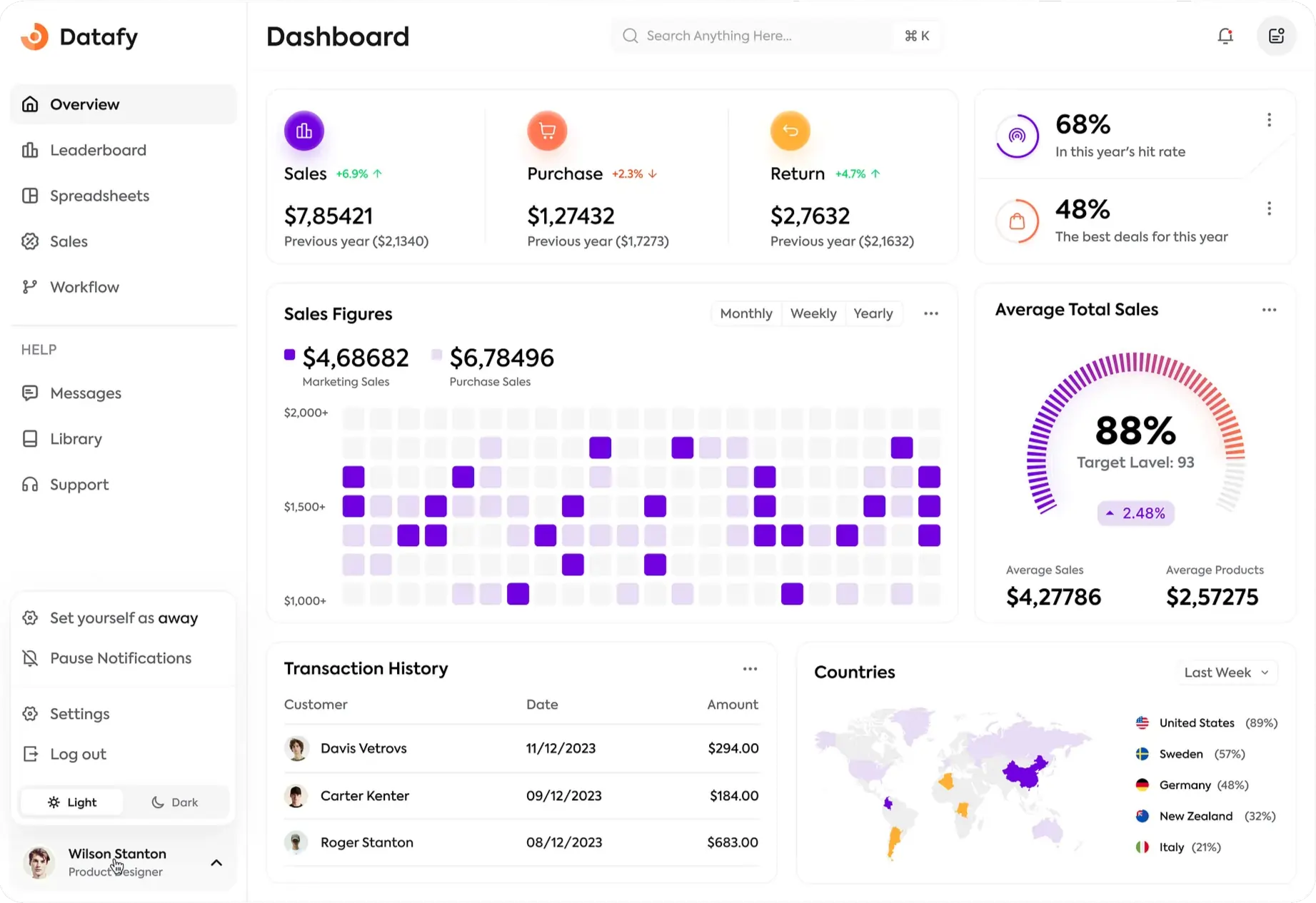
A common mistake is to show every field Odoo offers. Supervisors then face crowded screens and make mistakes. During design we list the fields each role really needs and hide the rest, using standard settings or Studio in Enterprise. We also set sensible defaults, so most entries need only a few clicks. The result is a system people use, not one they work around.

  • Fields listed per role during design
  • Unused fields hidden from daily screens
  • Sensible defaults to cut down clicks
  • Studio used in place of code where possible
See Simple Screens →

The migration path for Vellore businesses

Six steps from old records to a live database

Inventory Data

We list every data source, from Tally to Excel, and agree what moves and when.

Clean

Your team fixes duplicates and gaps using our templates; we review each file.

Map

Fields from old files are matched to Odoo, including tax and TDS details.

Trial Import

Data is loaded into a test copy and checked by your accounts team.

Reconcile

Balances, receivables, payables and stock are matched to closing figures.

Final Load

On cut-over day the final figures are loaded and the old system turns read-only.

Rolling out Odoo in Vellore

Vellore companies often deal with large customers who deduct TDS, so tax details in the data matter as much as the balances. Our clients include firms in real estate, hotels, distribution and logistics, education, FMCG, retail, healthcare and manufacturing, and each migration follows the same checks. Tamil Nadu GST applies, e-way bills are needed above Rs 1 lakh within the state and above Rs 50,000 across it, and e-invoicing applies above Rs 5 crore turnover. Training is held in Tamil.

TDS details captured for every relevant party
Old records kept read-only for audit lookups
E-invoicing set up above Rs 5 crore turnover
Supervisors and accounts staff trained in Tamil

Migration checks we run for Vellore clients

Every import is followed by a check that your accounts team can see and sign. These six checks are the minimum before we call a migration complete and agree a go-live date.

✓ Trial balance totals match
✓ Receivables match by customer
✓ Payables match by vendor
✓ Stock quantity by warehouse
✓ GSTIN format on every party
✓ TDS sections on vendor records
View the Checks
Migration checks we run for Vellore clients
Salesforce & Odoo Expertise

Plan your data move in Vellore

Tell us where your records live today. We reply with a migration plan and the checks we will run.

Frequently Asked Questions

How do you move Tally data into Odoo for a Vellore firm?

We export masters and balances from Tally, clean them with your team, map fields to Odoo and run a trial import. After your accounts team checks it, the final load happens on cut-over day.

Can supervisors at Ranipet and Katpadi use Odoo without much training?

Yes, if screens are kept simple. We show each supervisor only the fields their role needs and set defaults, so daily entries take a few clicks after a short Tamil session.

How is TDS handled for customers who deduct it in Vellore?

Customer and vendor records carry TDS details, and receipts can record the deduction so the balance closes correctly. Your accounts team checks these settings during migration.

Should we bring all past transactions into Odoo?

Usually not. Opening balances and open items are enough to run the business. Older history stays read-only in the old system, which saves time and avoids import errors.

What if our data is spread across several Excel files?

That is common. We list every file, agree which is the master for each data set and merge them using our templates before import.

How long does migration take?

It depends on how clean the data is. Clean lists can be loaded and checked in a few days; messy files with duplicates may need two to three weeks of cleaning first.

Who checks that the imported figures are right?

Your accounts team, with our consultant. We share reconciliation reports for balances, receivables, payables and stock, and the go-live date is set only after they agree.

Can we change the chart of accounts during the move?

Yes, and it is a good moment to do it. We map old groups to a cleaner structure and have your auditor review it before any figures are posted.

Call us WhatsApp