As a founder, your time is your most valuable asset. Yet, if you are relying on disjointed spreadsheets, scattered email threads, and manual data entry, you are actively burning that asset. To scale sustainably, you must choose the right CRM or ERP for your business. This decision will dictate how your sales team closes deals, how your operations team fulfills orders, and how you, as a leader, forecast future growth.
The software market is flooded with thousands of business management software solutions. It is incredibly easy to get overwhelmed by flashy features and aggressive sales pitches. However, investing in the wrong system can lead to massive financial losses and team frustration.
This article is designed for business owners and founders. We will walk you through the exact CRM selection process, decode the complexities of ERP implementation, and help you build scalable business systems that drive genuine revenue.
Key Takeaway: Selecting business software is not an IT decision; it is a foundational business strategy that requires executive alignment.
Understanding the Baseline: CRM vs. ERP
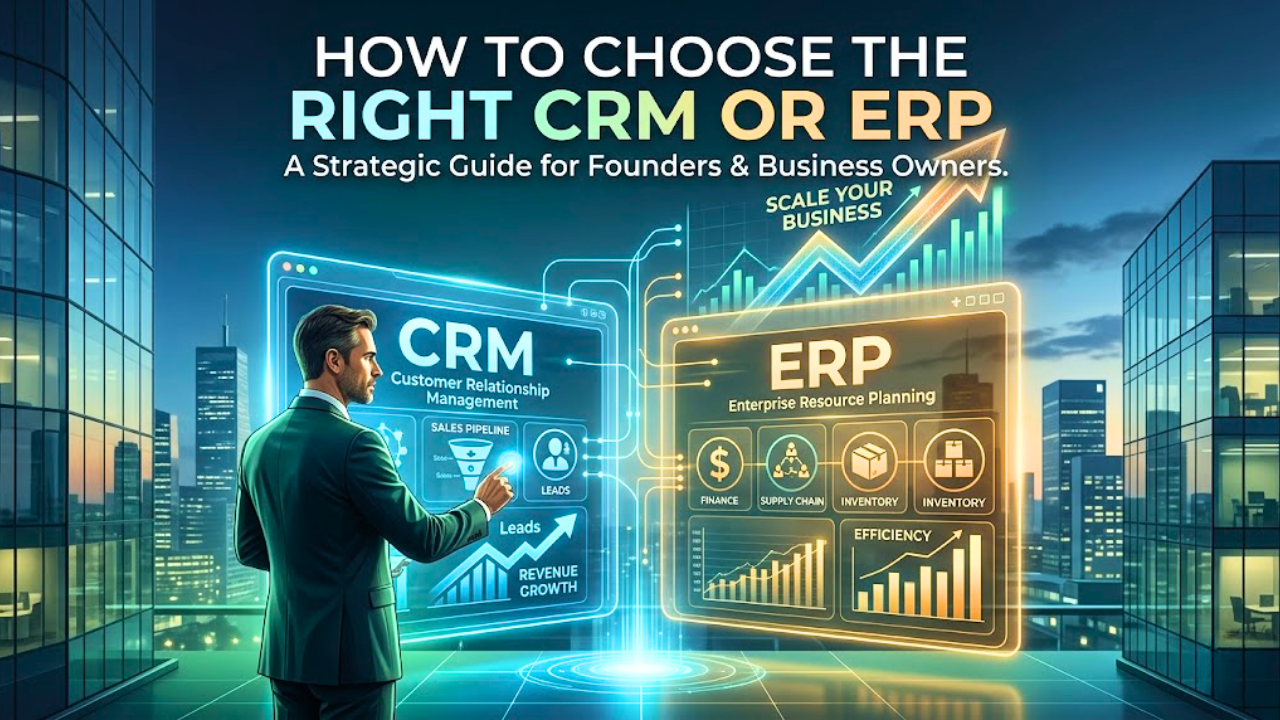
Before you can evaluate vendors, you need to understand the fundamental difference between Customer Relationship Management (CRM) and Enterprise Resource Planning (ERP) systems. While modern platforms often blur the lines, their core purposes remain distinct.
What is a CRM?
A CRM is the front door of your business. It is explicitly designed to manage interactions with current and potential customers. The primary goal of a CRM is to drive sales, improve marketing efforts, and enhance customer service.
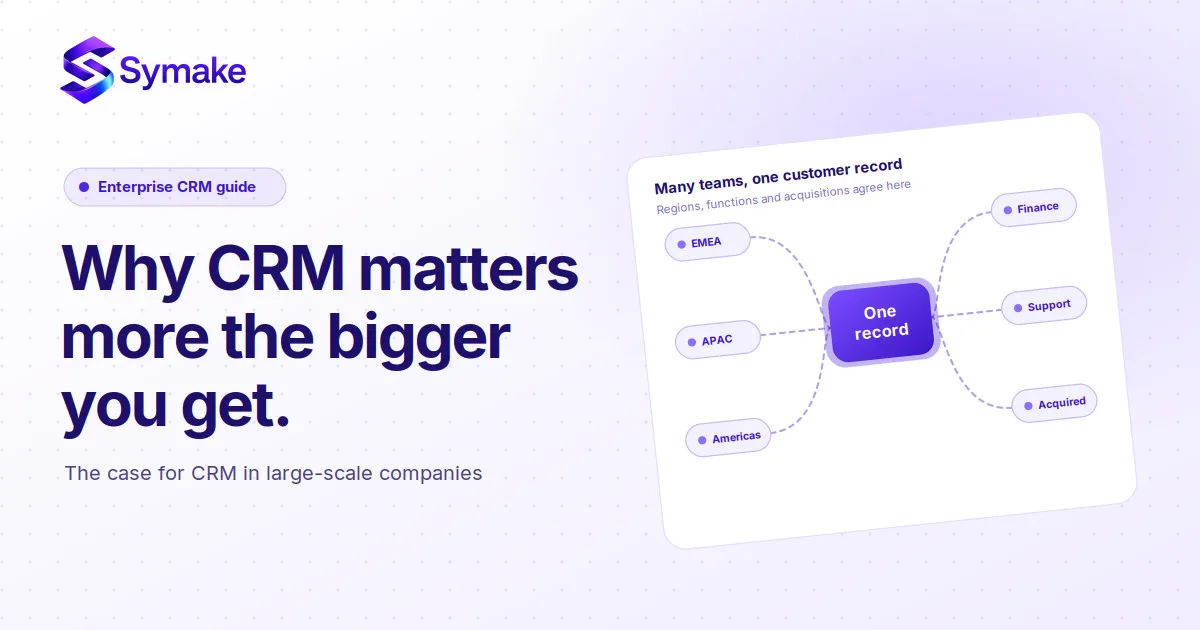
If your main challenges revolve around lead generation, tracking sales pipelines, or managing customer support tickets, a CRM is your priority. It acts as a single source of truth for your customer data. Every email sent, meeting booked, and deal closed is logged in one centralized location.
What is an ERP?
An ERP is the engine room of your business. It is a comprehensive suite of applications that manages core internal business processes. This includes finance, human resources, supply chain management, manufacturing, and inventory.
While a CRM focuses on increasing revenue, an ERP focuses on reducing overhead and optimizing operational efficiency. It connects disparate departments, ensuring that when a sale is made, inventory is automatically updated, and accounting is notified.
Do You Need Both?
Many growing businesses eventually need both systems to achieve total operational synergy. However, as a startup or mid-sized company, you must prioritize based on your most pressing bottlenecks.
If you are struggling to close deals, start with a CRM. If your profit margins are shrinking due to inventory mismanagement or financial blind spots, prioritize an ERP.
Key Takeaway: Think of a CRM as driving your top-line revenue, while an ERP manages and protects your bottom-line profitability.
The Tipping Point: Signs You Need to Upgrade
Founders often wait too long to upgrade their systems. They patch together legacy software and manual processes until something fundamentally breaks. Recognizing the warning signs early can save your company from critical operational failures.
One of the most obvious signs is data siloing. If your sales team cannot see what customer support is doing, or if your accounting team has to manually request data from the warehouse, your systems are failing you. This lack of transparency leads to duplicated efforts and costly errors.
Another major red flag is an inability to forecast accurately. If it takes your team days to pull together a basic revenue or inventory report, you are operating blind. Leaders need real-time dashboards to make agile, informed decisions.
Failing to act on these signs carries massive financial consequences. If you are still relying on fragmented tools, I highly recommend reading about the true cost of not using a CRM or ERP. The lost productivity and missed opportunities often outweigh the cost of the software itself.
Key Takeaway: If your team spends more time managing spreadsheets than managing customers or products, it is time to upgrade.
The Step-by-Step CRM Selection Process
To choose the right CRM or ERP, you cannot rely on a quick Google search. You need a structured, objective evaluation framework. Follow this step-by-step process to ensure you select software that aligns with your specific business model.
According to Nucleus Research, organizations realize an average return of $3.10 to $8.71 for every dollar spent on a CRM. Furthermore, modern deployments show that time savings from individual productivity gains and overall process efficiency account for 51% of that total ROI. The financial upside is clear, provided the system is selected carefully.
Step 1: Define Your Core Business Objectives
Never buy software looking for a problem to solve. Start by defining the exact business objectives you want to achieve. Are you trying to shorten your sales cycle by 20%? Do you need to reduce inventory holding costs?
Write down three to five measurable goals. When you speak to software vendors, force them to explain exactly how their platform will help you achieve these specific metrics. If they cannot provide a clear path to your goals, walk away.
Step 2: Map Out Your User Requirements
The best software in the world is useless if your team refuses to use it. Before evaluating vendors, interview your department heads. Understand their daily workflows, their biggest pain points, and the features they actually need.
Create a requirements document categorized by "Must-Haves," "Nice-to-Haves," and "Deal-Breakers." This document will serve as your objective scorecard when evaluating different platforms, preventing you from being swayed by unnecessary bells and whistles.
Step 3: Determine Your Budget and ROI Expectations
Software pricing is notoriously complex. When budgeting for a CRM or ERP, you must look beyond the monthly subscription fee. Factor in the costs of implementation, data migration, user training, and ongoing technical support.
Calculate your expected Return on Investment (ROI). If a $50,000 ERP implementation saves you $150,000 a year in recovered inventory and reduced headcount, it is a highly profitable investment. Focus on total value, not just the sticker price.
Key Takeaway: A successful software implementation starts with clear business goals and a deep understanding of your team's daily workflows.
Essential Features to Look for in Modern Systems
As you navigate the business management software landscape, you will encounter hundreds of features. Knowing which functionalities actually drive value will help you narrow down your choices effectively.
Core CRM Functionalities
When evaluating a CRM, prioritize features that reduce friction for your sales and marketing teams.
Pipeline Management: Visual drag-and-drop boards to track deals through various stages.
Workflow Automation: The ability to automate repetitive tasks, such as sending follow-up emails or assigning leads to specific reps based on territory.
Detailed Reporting: Customizable dashboards that track conversion rates, sales velocity, and individual rep performance.
Core ERP Functionalities
When evaluating an ERP, focus on features that provide operational visibility and financial control.
Real-Time Financials: Integrated accounting that automatically updates general ledgers, accounts payable, and accounts receivable.
Supply Chain Visibility: Tools to track raw materials, manage vendor relationships, and optimize warehouse inventory levels.
Human Capital Management: Modules to handle payroll, employee onboarding, and performance tracking within the same system.
Regardless of whether you choose a CRM or an ERP, ensure the platform offers a robust open API. Your new system must be able to communicate seamlessly with the other tools in your tech stack.
Key Takeaway: Prioritize core functionalities that automate manual tasks and provide real-time visibility over flashy, experimental features.
Structuring Operations Before Implementation
One of the biggest mistakes founders make is attempting to digitize broken processes. A new CRM or ERP will not fix a fundamentally flawed operational strategy; it will only make your bad processes execute faster.
Before you write a check to a software vendor, you must map out and optimize your standard operating procedures (SOPs). Take the time to document exactly how a lead becomes a customer, or how a purchase order becomes a fulfilled shipment. Identify the bottlenecks and eliminate unnecessary steps.
By streamlining your operations first, you make the software implementation phase drastically easier. You will know exactly how to configure the system to match your idealized workflows. For a deep dive into preparing your company for this transition, read how to structure business operations for scale: the founder's guide.
Key Takeaway: Software is an amplifier. Ensure your underlying operational processes are efficient before you attempt to automate them.
Cloud-Based vs. On-Premise Solutions
A critical decision in your CRM selection process is choosing between cloud-based (SaaS) and on-premise deployments. This choice impacts your upfront costs, IT requirements, and long-term scalability.
Industry reports indicate that cloud-based solutions now account for roughly 70% of the entire global ERP market. With the cloud ERP market projected to grow at a massive 14.5% CAGR, the vast majority of modern companies are moving away from restrictive legacy servers and embracing the agility of the cloud.
Cloud-based solutions are hosted on the vendor's servers and accessed via the internet. They typically involve lower upfront costs, as you pay a monthly or annual subscription. The vendor handles all maintenance, security, and updates. This is the preferred choice for 95% of modern, scalable businesses due to its flexibility and ease of remote access.
On-premise solutions are installed locally on your company's own servers. This requires a significant upfront capital investment in hardware and a dedicated IT team for maintenance. While it offers maximum control over data and deep customization, it is generally only necessary for massive enterprises with strict regulatory compliance requirements.
For the vast majority of founders looking to build scalable business systems, cloud-based architecture is the clear winner. It allows you to add new users and features instantly as your company grows.
Key Takeaway: Cloud-based software offers the agility, lower upfront cost, and remote accessibility required by modern, fast-growing companies.
Avoiding Common Implementation Failures
Choosing the right software is only half the battle; successfully implementing it is where many companies fail. ERP implementation, in particular, is notorious for running over budget and past deadlines.
Implementation Risk Data: Panorama Consulting Group's 2026 ERP Report reveals that a staggering 25% to 60% of ERP implementations exceed their original budgets or timelines. The leading causes are sudden scope expansion and late-stage "fatal misfits" in technology requirements. A median ERP timeline currently sits around 9 months, highlighting the absolute necessity of expert guidance and strict project governance.
The primary cause of failure is poor change management. People naturally resist change. If you force a complex new system onto your staff without adequately explaining why it benefits them, user adoption will flatline. You must communicate the vision clearly and involve key users in the testing phase.
Another common pitfall is inadequate data migration. Moving dirty, outdated, or duplicated data into a brand-new system will instantly corrupt its value. Take the time to clean your data before importing it. Purge old contacts, standardize your naming conventions, and ensure accuracy.
Finally, do not skimp on training. A one-hour webinar is not enough to teach your staff a comprehensive ERP platform. Invest in ongoing training sessions, create internal documentation, and designate a "system champion" within your company who can answer basic questions.
Key Takeaway: Successful software rollouts require meticulous data hygiene, comprehensive user training, and strong executive leadership to drive adoption.
Building the Ultimate Tech Stack
As your business matures, you will likely realize that a single software solution cannot do everything perfectly. The ultimate goal is to build an integrated ecosystem where your CRM, ERP, and specialized tools communicate flawlessly.
This requires a strategic approach to software architecture. You want your CRM handling customer acquisition, passing that data cleanly to your ERP for fulfillment and billing, while marketing automation platforms nurture future leads.
Building this interconnected tech stack requires careful planning and a deep understanding of data architecture. To see exactly how these systems fit together to create a seamless operational machine, explore the complete guide to business systems, CRM, ERP, and automation.
Key Takeaway: The most successful companies do not rely on isolated tools; they build integrated tech ecosystems where data flows freely between departments.
Conclusion: Making the Final Decision
Learning how to choose the right CRM or ERP is a defining moment in your journey as a founder. It marks the transition from a scrappy startup surviving on sheer willpower to a mature, scalable enterprise running on optimized systems.
Remember to clearly define your business objectives, involve your team in the selection process, and prioritize platforms that offer seamless integration and scalable cloud architecture. Do not rush the decision, but do not let analysis paralysis hold you back. The cost of doing nothing is far higher than the cost of implementation.
If you are ready to modernize your operations but feel overwhelmed by the technical complexities, you do not have to do it alone. Contact our expert team today for a comprehensive business systems audit, and let us help you build the operational foundation your company needs to scale.
Frequently Asked Questions (FAQs)
1. How long does a typical CRM or ERP implementation take?
The timeline varies drastically based on the system's complexity. A standard, cloud-based CRM for a small team can be implemented in 2 to 4 weeks. Conversely, a comprehensive ERP implementation for a mid-sized company can take anywhere from 3 to 9 months, factoring in data migration, custom configurations, and staff training.
2. Can a small business use an ERP system, or is it only for large enterprises?
Absolutely. While historically reserved for large corporations, the rise of cloud-based technology has made ERPs accessible to small and mid-sized businesses. Modern, lightweight ERPs offer modular pricing, allowing founders to implement basic financial and inventory systems and scale up as their business management software needs grow.
3. What is the difference between a cloud-based CRM vs ERP regarding security?
Both cloud-based CRMs and ERPs utilize enterprise-grade security protocols, including end-to-end encryption, multi-factor authentication (MFA), and automated threat detection. Reputable cloud vendors invest vastly more in cybersecurity than a typical small business could afford for an on-premise server, making cloud solutions highly secure for both customer data (CRM) and financial data (ERP).
4. How do I ensure my team actually uses the new CRM system?
To ensure high user adoption during your CRM selection process, prioritize user interface (UI) and ease of use. Involve your sales team in the demo process so they feel a sense of ownership. Post-launch, tie the CRM to their success, make it clear that commissions and performance reviews are based solely on data logged within the system.
5. Should I build a custom business management software or buy an off-the-shelf solution?
For 99% of businesses, buying an off-the-shelf, cloud-based CRM or ERP is the correct choice. Building custom software is incredibly expensive, time-consuming, and requires constant internal maintenance. Modern SaaS platforms offer extensive APIs and customization options that can be tailored to fit almost any scalable business system requirement without the headache of custom coding.